
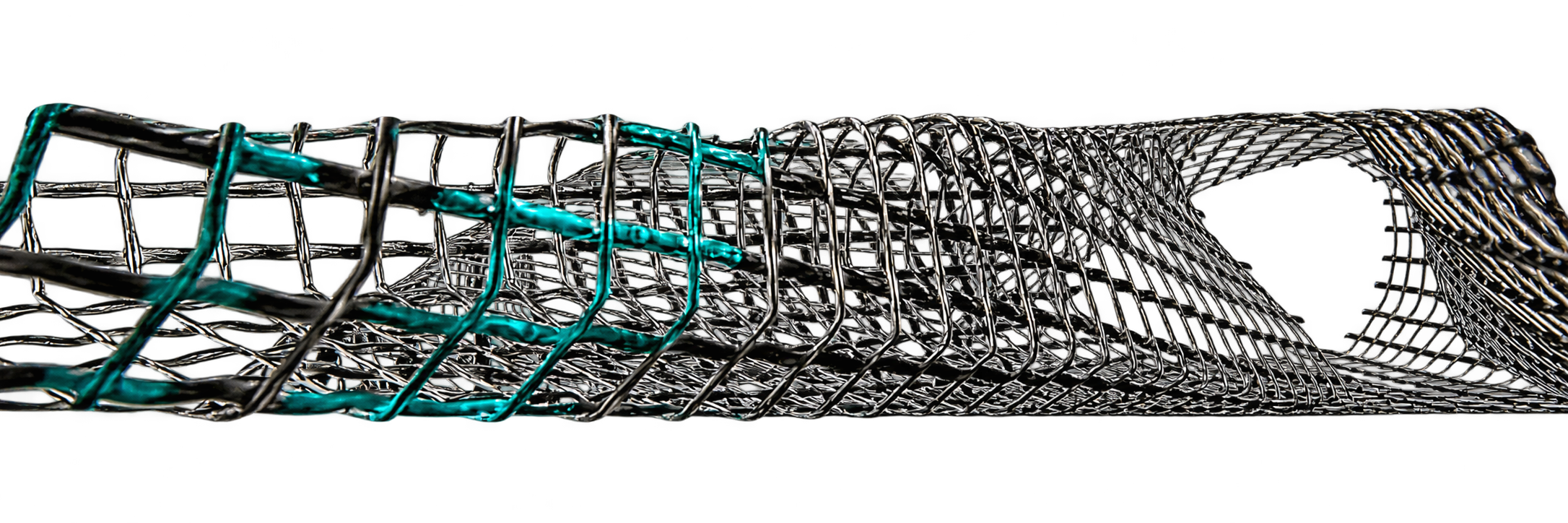
Support
Do you have questions about using AXISVM software? Our engineering colleagues are here to assist you.
 Open Knowledge Base
Do you need assistance?
From the beginning, we have made it a priority to provide high-level support to our customers. To this end, we have introduced a new support system that allows us to respond to and manage queries efficiently.
We are continuously building a knowledge base to share the accumulated questions and responses to all AXISVM users.
Downloadable materials
You can also practice using AXISVM with the step-by-step manuals and tutorial videos.
MANUALPDF ↓
AXISVM 27
Current versionUser manuals and example models · choose your language

AXISVM X8
Previous versionUser manuals and example models · choose your language

AXISVM X7
Earlier versionUser manuals and example models · choose your language

AXISVM X6
Earlier versionUser manuals and example models · choose your language


Footfall analysis guide · English

Footfall analysis guide · German

Footfall analysis guide · Polish

DynamoToAXISVM user manual

GrasshopperToAXISVM user manual

Auto Mcr guide · English

Auto Mcr guide · Polish

Auto Ncr guide · English

Auto Ncr guide · Polish

CLT / XLAM design guide

Custom stiffness matrix guide · English

Custom stiffness matrix guide · Polish
Installation package
AXISVM installers and the installation guide.
AXISVM tutorial videos
The provided training materials offer instruction on using AxisVM’s different functions. These materials show the steps of model creation in the intuitive graphical user interface and make it easy to learn how to edit geometry, define elements, supports, and loads, generate meshes, and display and evaluating results.


NEW FEATURES IN AxisVM X6 – Part I

NEW FEATURES IN AxisVM X6 – Part II

NEW IMPERFECTION MODULE IN AxisVM X6 (IMP)
NEW 7 DEGREES OF FREEDOM BEAM ELEMENT IN AxisVM X6 (7DOF)

NEW COMPUTATIONAL FLUID DYNAMICS MODULE IN AxisVM X6 (CFD)

SHEAR CHECK FOR CONCRETE WALLS IN AxisVM

DETAILED CALCULATION REPORT FOR CONCRETE COLUMNS IN AxisVM X6

REINFORCEMENT CALCULATION FOR TRAPEZOIDAL STEEL DECKS IN AxisVM X6

CRACK WIDTH CALCULATION FOR CALCULATED REINFORCEMENT IN AxisVM X6

SEMI AUTOMATIC OPTION FOR CRITICAL COMBINATION EVALUATION IN AxisVM X6

RESULT VISUALIZATION IMPROVEMENTS IN AxisVM X6

CUSTOM RULES FOR LOADCOMBINATION GENERATION IN AxisVM X6

WINKLER-PASTERNAK TYPE SUPPORTS IN AxisVM X6

ECCENTRICITY SETTINGS OF BEAMS IN AxisVM X6

NEW SECTION TYPES IN AxisVM X6

SPLITTING OF LOADS INTO LOADCASES AUTOMATICALLY IN AxisVM X6

SPECIAL WINDOW LAYOUTS IN AxisVM X6
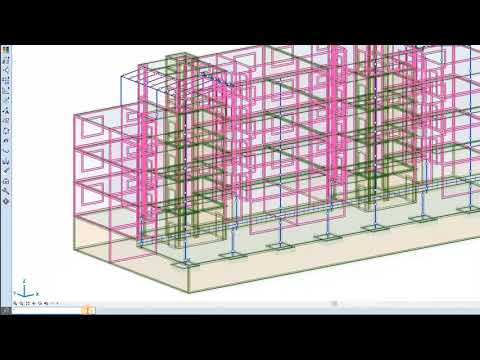
SMART COMMAND AND SEARCH LINE IN AxisVM X6

FINE-TUNING GRAPHIC SYMBOLS IN AxisVM X6
FILTERS AND PARTS FOR SPECIAL DOMAINS IN AxisVM X6
COPYING STRUCTURAL GRIDS IN AxisVM X6

NEW FEATURES IN AxisVM X5

NEW FEATURES OF AxisVM X5 RELEASE 2

AxisVM STEB-BY-STEP TURORIALS PART1 – BEAM MODELING

AxisVM STEB-BY-STEP TURORIALS PART2 – FRAME MODELING

AxisVM STEB-BY-STEP TURORIALS PART3 – SLAB MODELING

AxisVM STEB-BY-STEP TURORIALS PART4 – MEMBRANE MODELING

AxisVM STEB-BY-STEP TURORIALS PART5 – SHELL MODELING

STEEL FRAME ANALYSIS

STEEL FRAME DESIGN

PLASTIC ANALYSIS – STEEL FRAME

TIME-HISTORY ANALYSIS WITH AXISVM

DYNAMIC MODEL TUTORIAL
Verification and patch tests



Do you have a question about AXISVM?
Our engineering colleagues are here to assist you.